Waste No Space
WASTE NO SPACE
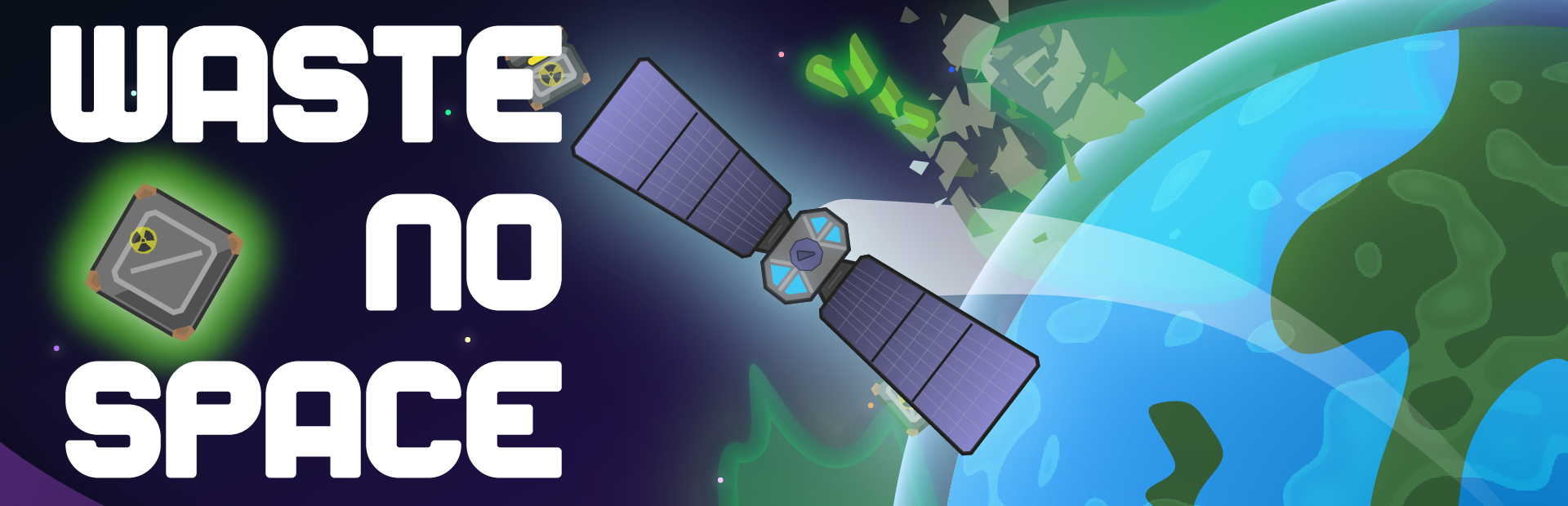
You always wanted to explore space and find the big secret behind it all! Now you're working for a Space Waste & Power Management company shooting nuclear trash into your dreams. One step closer to your goal: nice.
HOW TO PLAY:
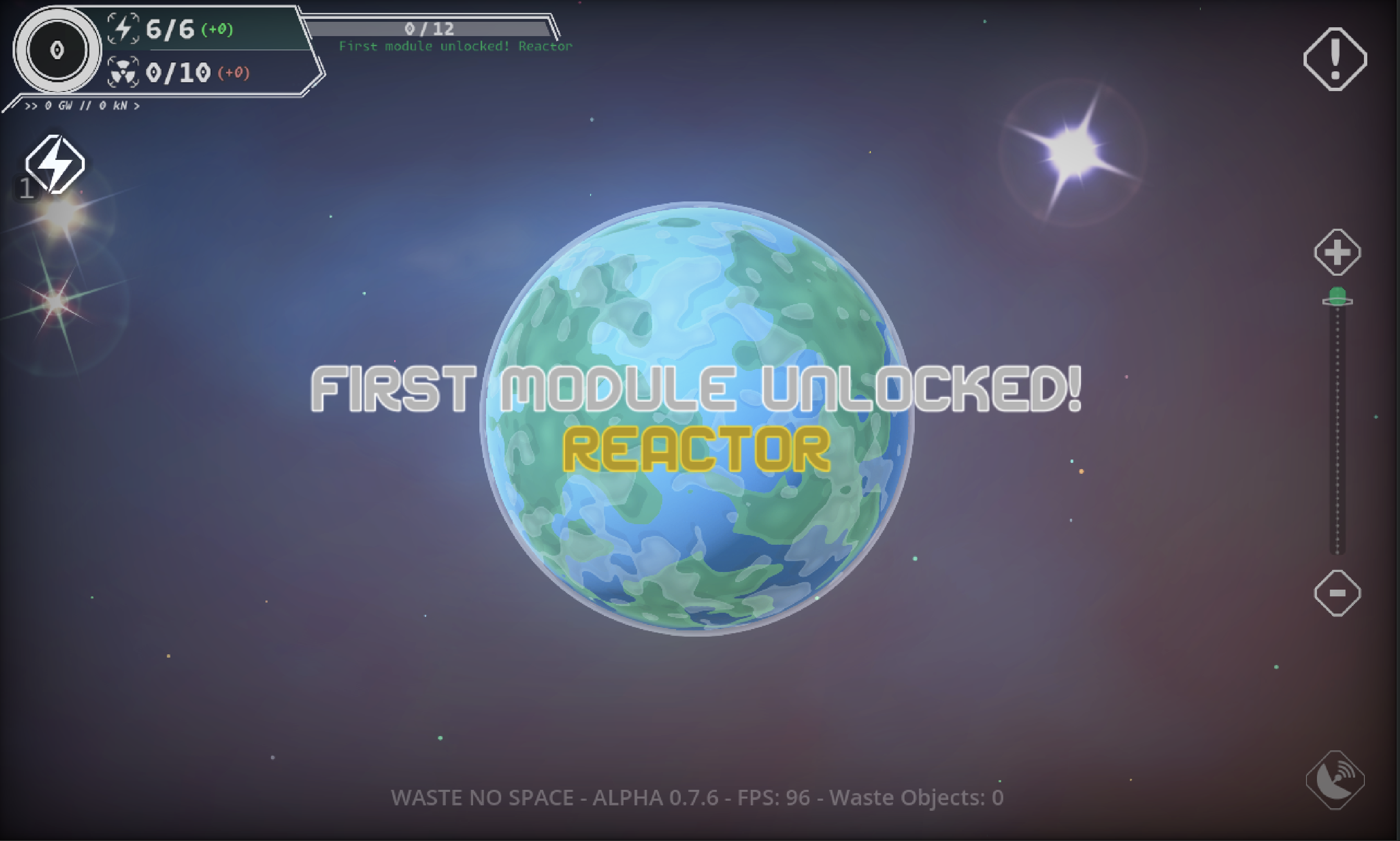
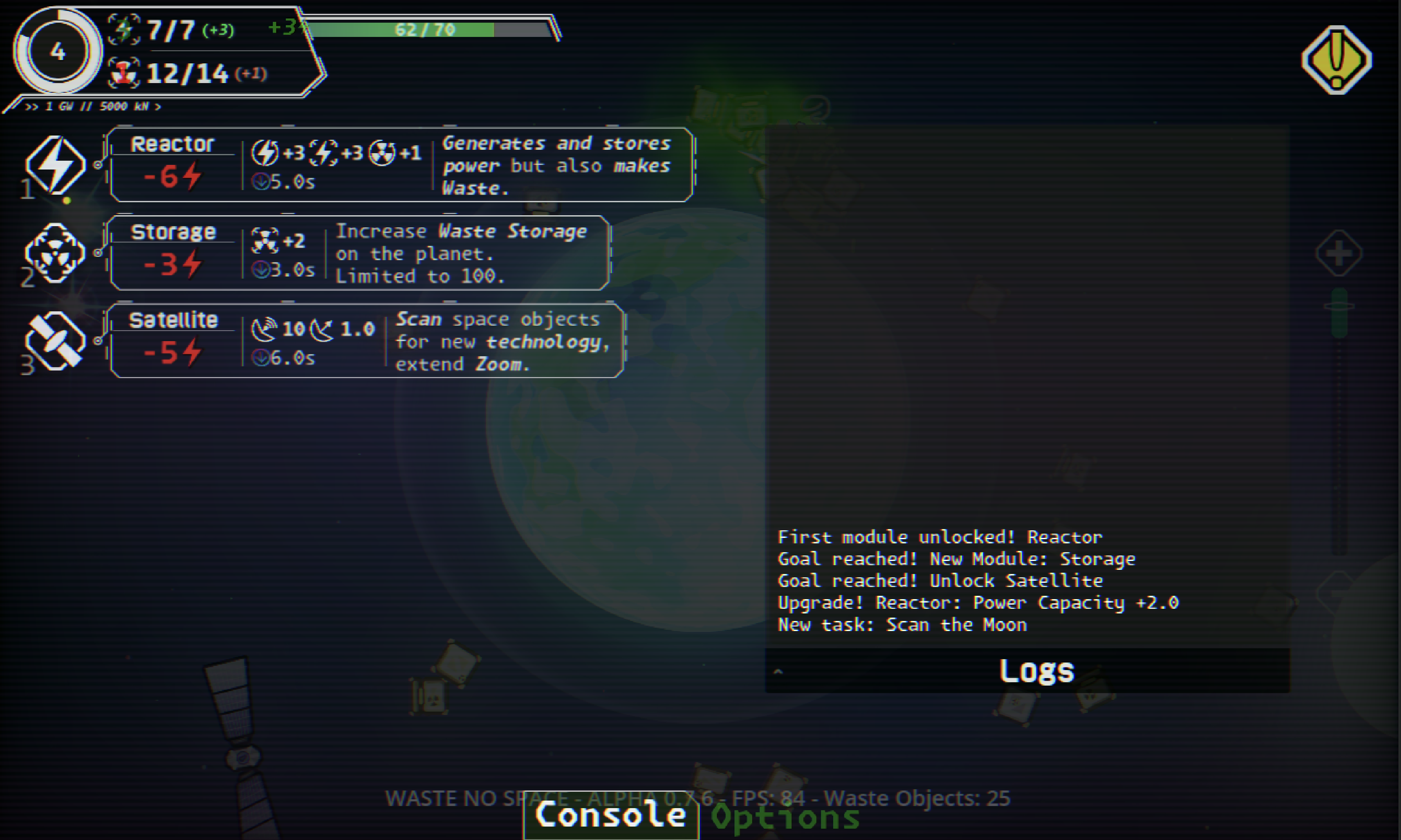
Top Left: Build a Power Reactor. This will generate Power, but also Waste.
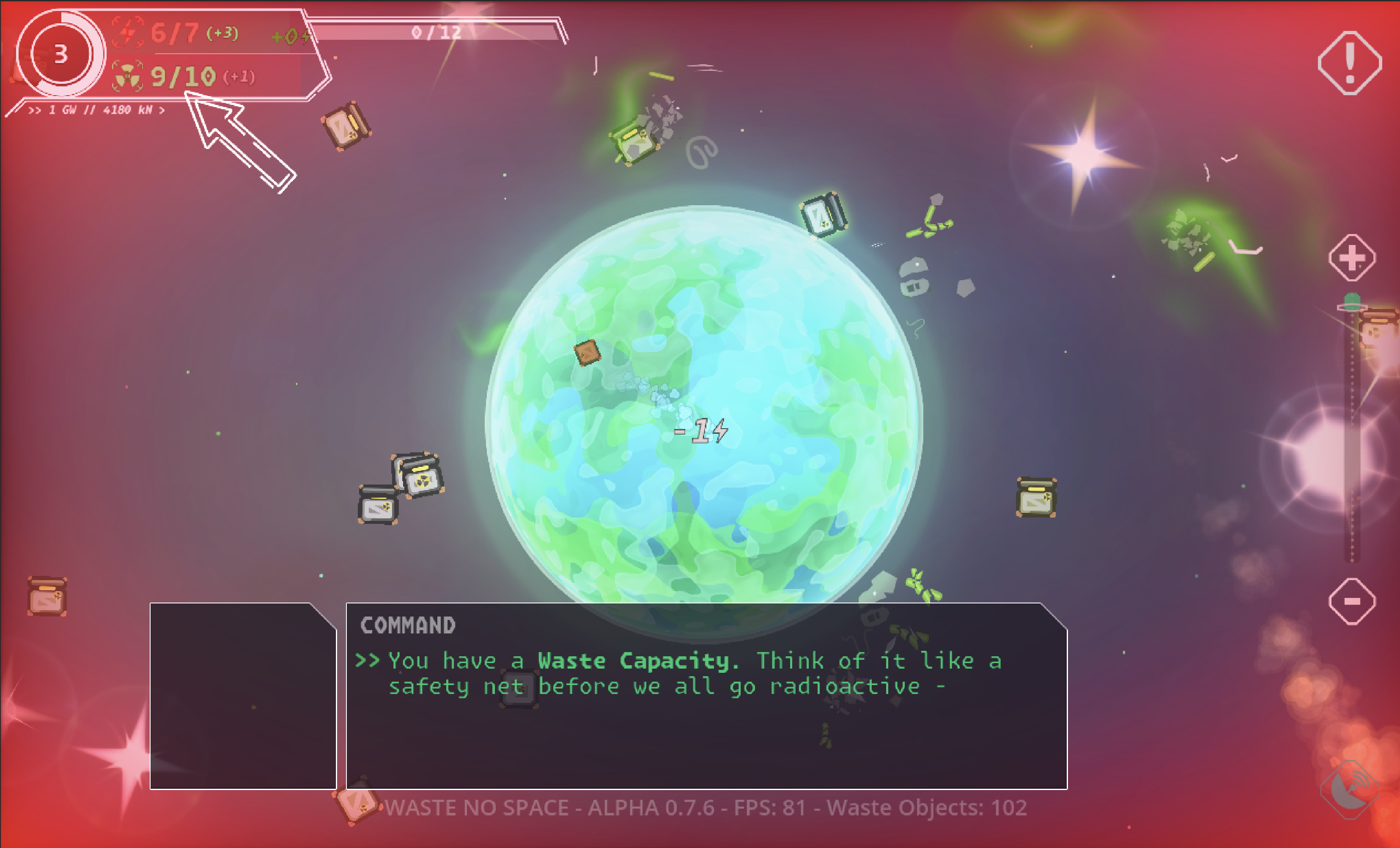
Waste is bad. You can only store a limited amount of it. Your main job is to shoot it off planet! Click/Touch and Drag to shoot Waste into Space. Think of a slingshot.
Shooting Waste into Space costs Power - the farther your shoot, the more it drains.
See the timer at the top left? That's a ticker for each round. Every round you get new Power but also new Waste. If you don't send enough waste into space, you lose.
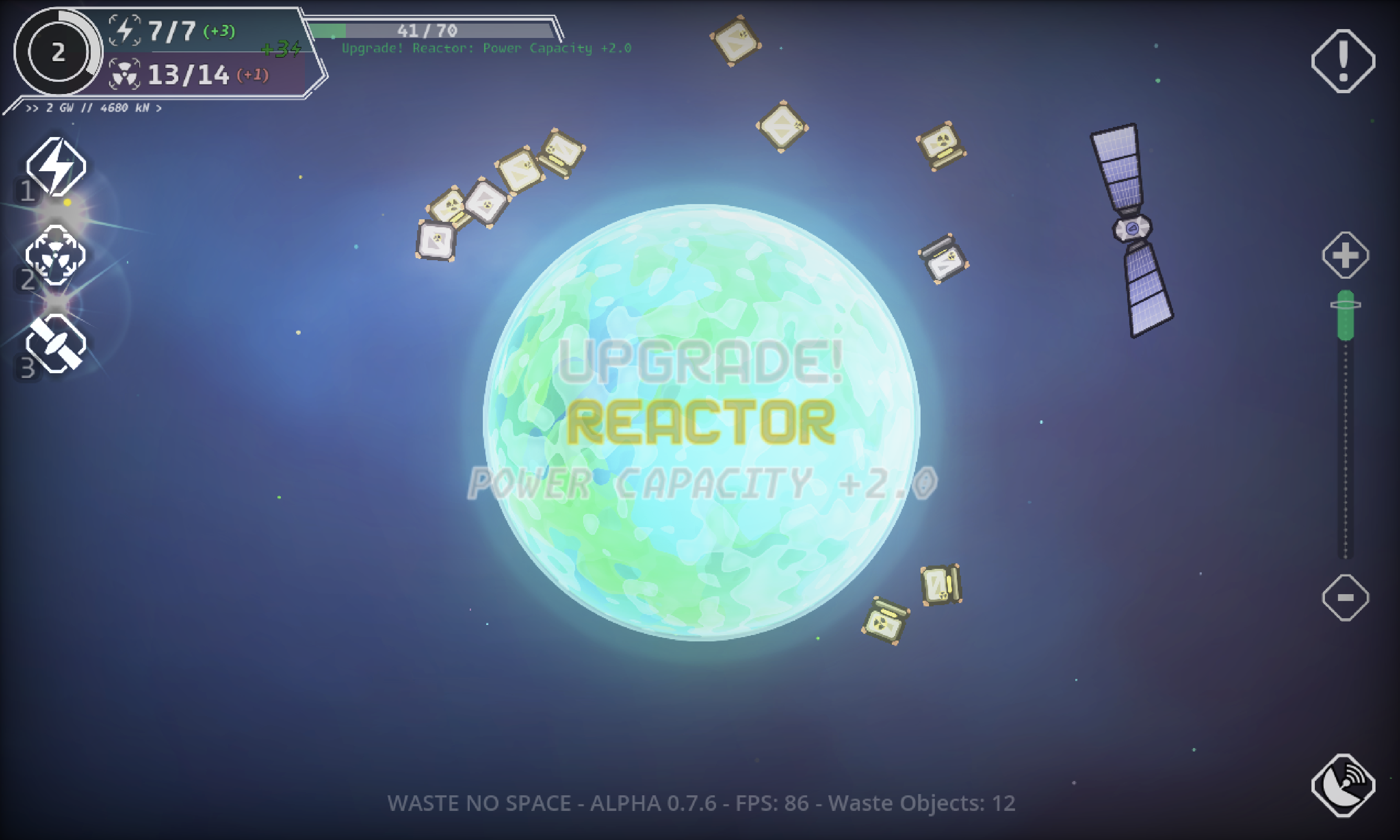
You can unlock upgrades by scanning Stars with a Satellite or by producing more power than you can store - which I called Overhead.
At the current state there is no goal. But there is a special module you can get later into the game, if you survive long enough.
It is a prototype and once the game is fun, I will start adding a lot more content. More weird lore to be found in space, additional dialogue, mini-games with Waste and Satellites, as well as little events.
Beware: WASTE is fragile and might explode when handled too rough.
---
Join the discord: https://discord.gg/CENckAY7fm
Thank you for playing the game! I hope you enjoy it and don't drown in the nuclear waste too often <3
Donations: https://ko-fi.com/ximossi
Development log
- ui ui ui ui!32 days ago
- Is this it?38 days ago
- Tutorial!47 days ago
- New goals! New visual help!49 days ago
- Iteration strikes again!52 days ago
- Tweaky tweaky.53 days ago
- Boom boom and Storms54 days ago
- Swoosh! Mag-Beam is here and Planets are back!55 days ago
Comments
Log in with itch.io to leave a comment.
The tutorial is back!
I’ve disabled the tutorial for now. Because of some of the changes the tutorial no longer applies for some stuff. Is it still easy to understand what to do?